Guides
Home / Documentation / CMS
CMS
CMS features layer structured content on top of the same site document the editor uses. Collections define schemas; dynamic pages bind routes to those schemas; submissions land in your workspace.
Collections
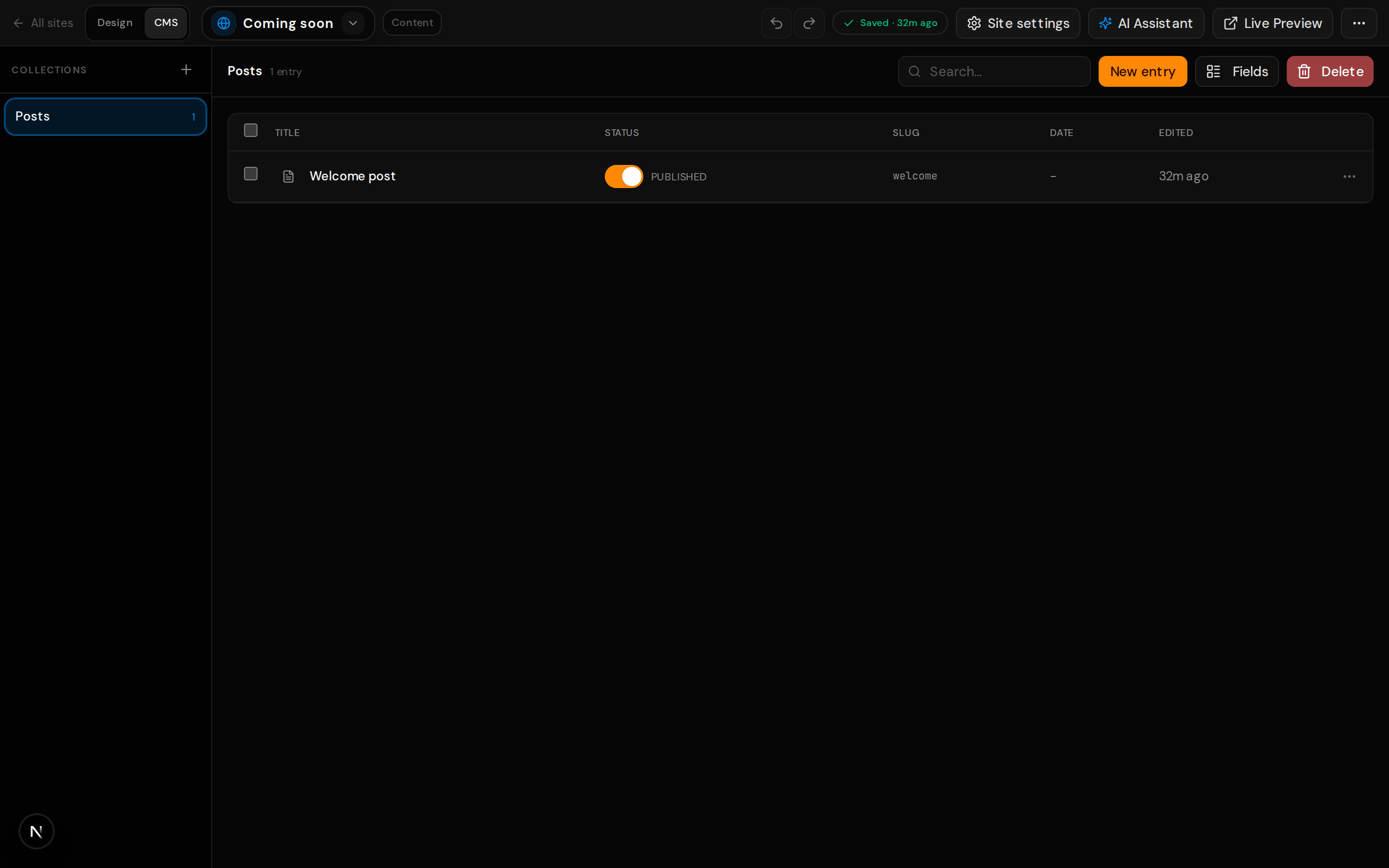
A collection is a typed set of entries (fields, validation, and optional presets such as blog or directory). Create collections in the dashboard, then attach them to pages that should render one entry per URL.
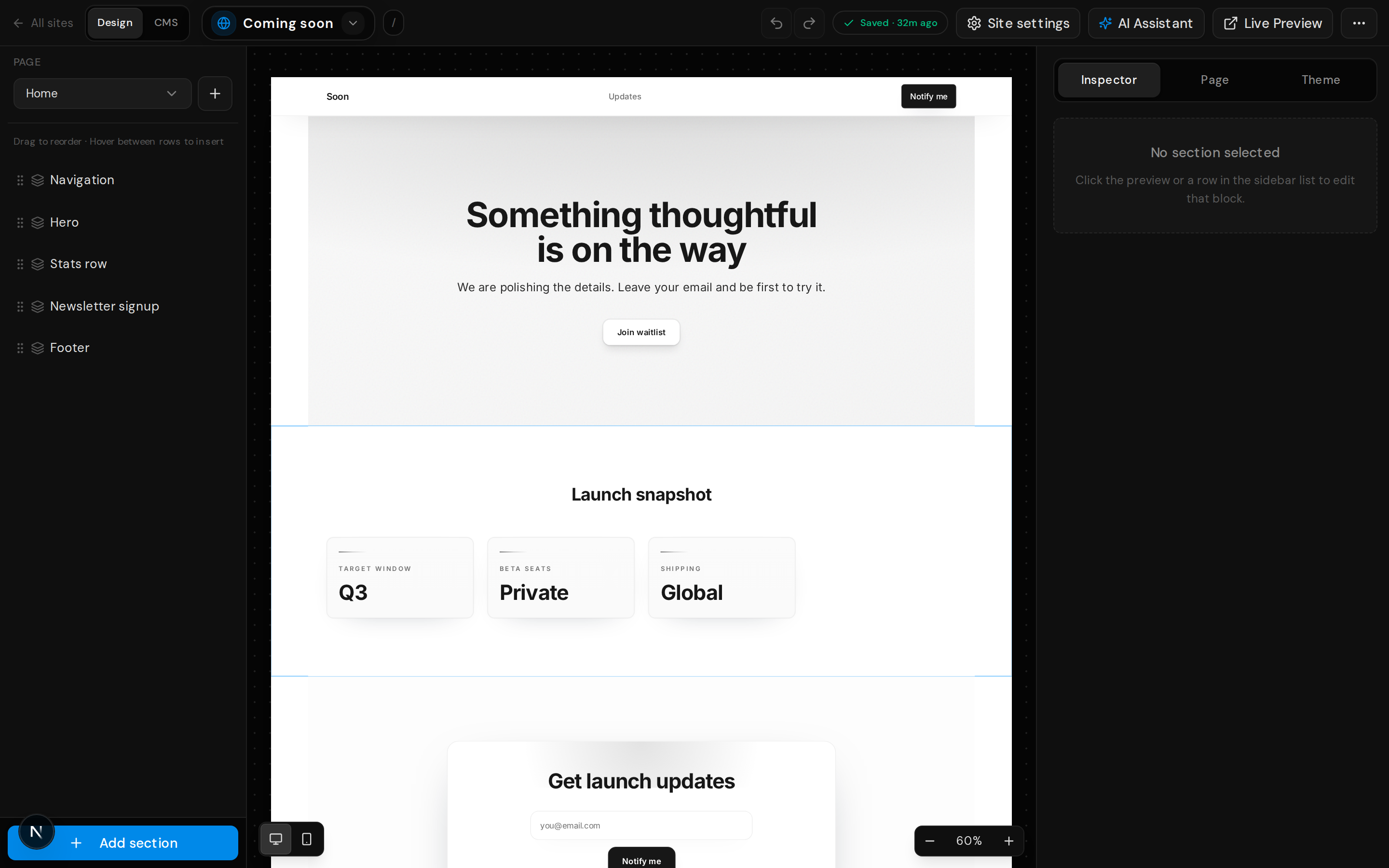
Entry editor
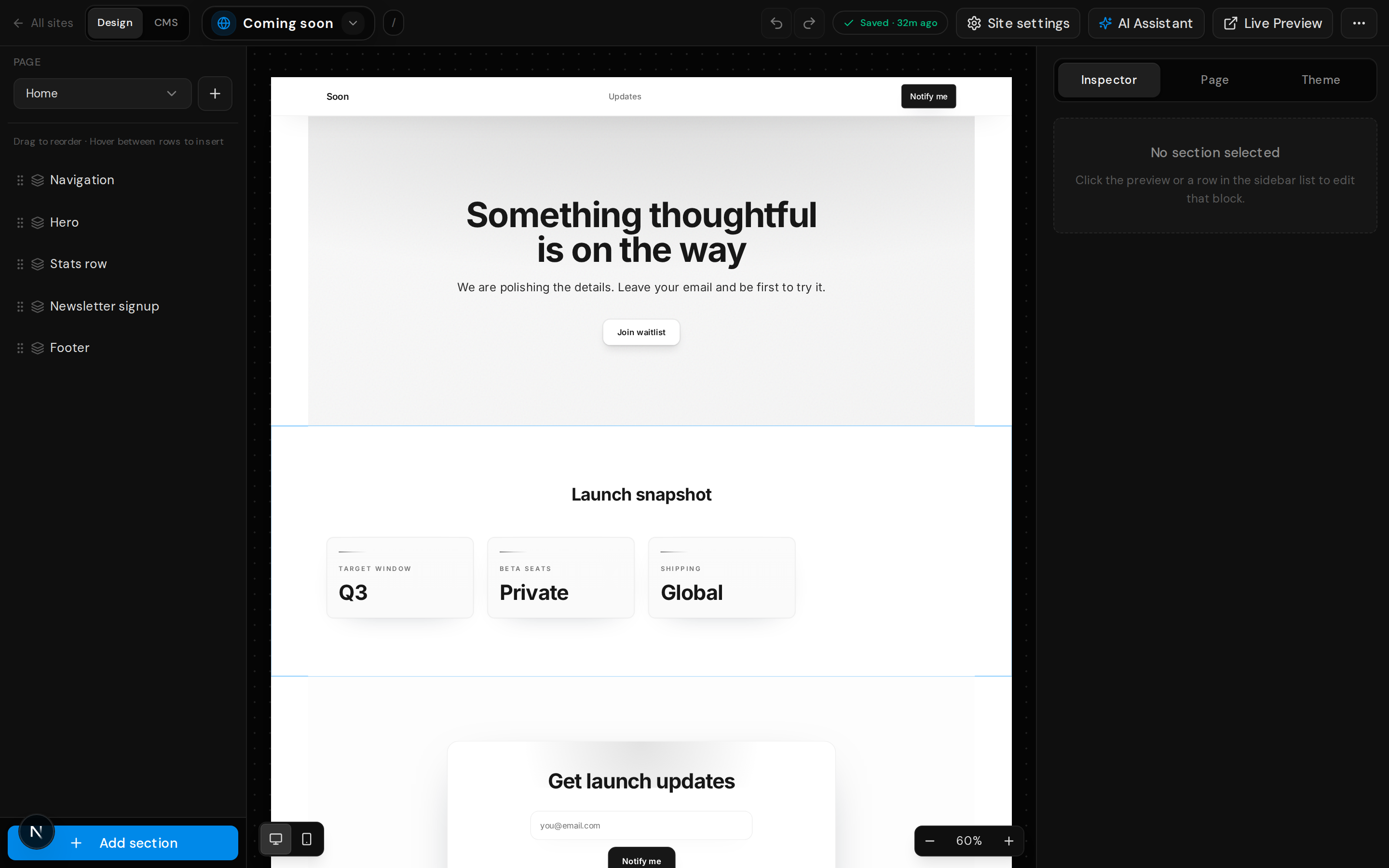
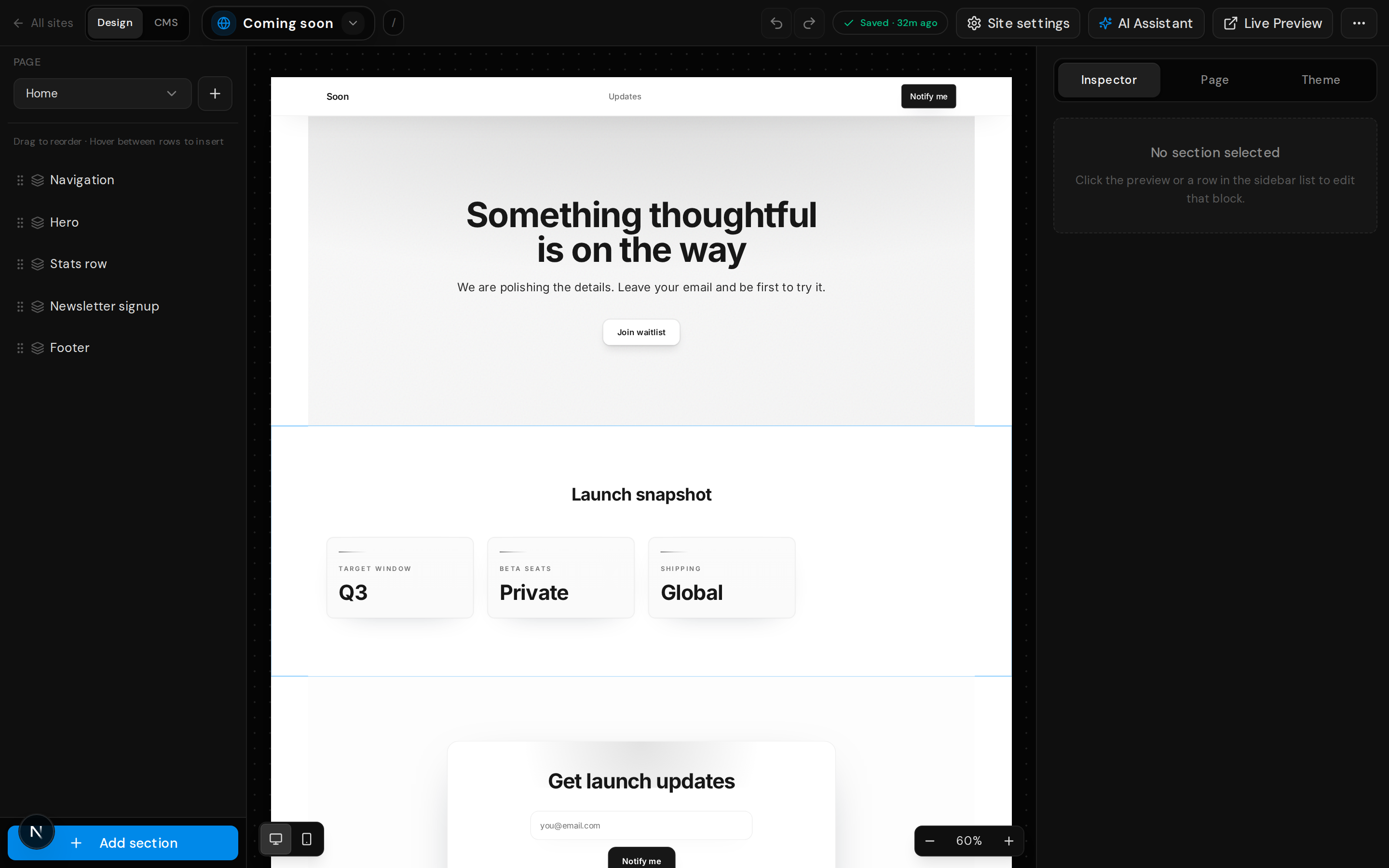
Create drafts or published rows with the same field types you defined on the collection. Rich text, images, and references stay in the structured JSON the API returns for each item.
Dynamic pages
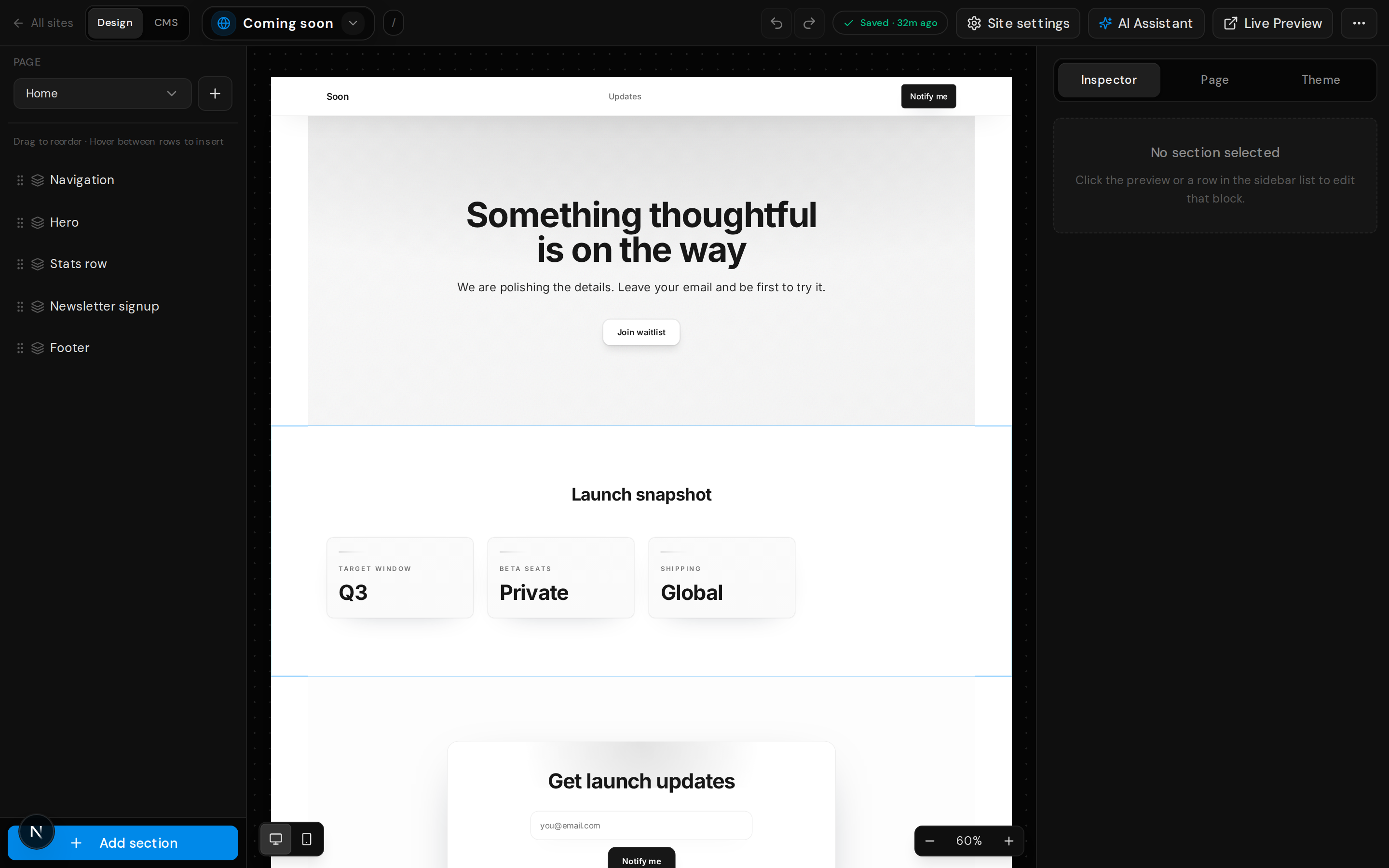
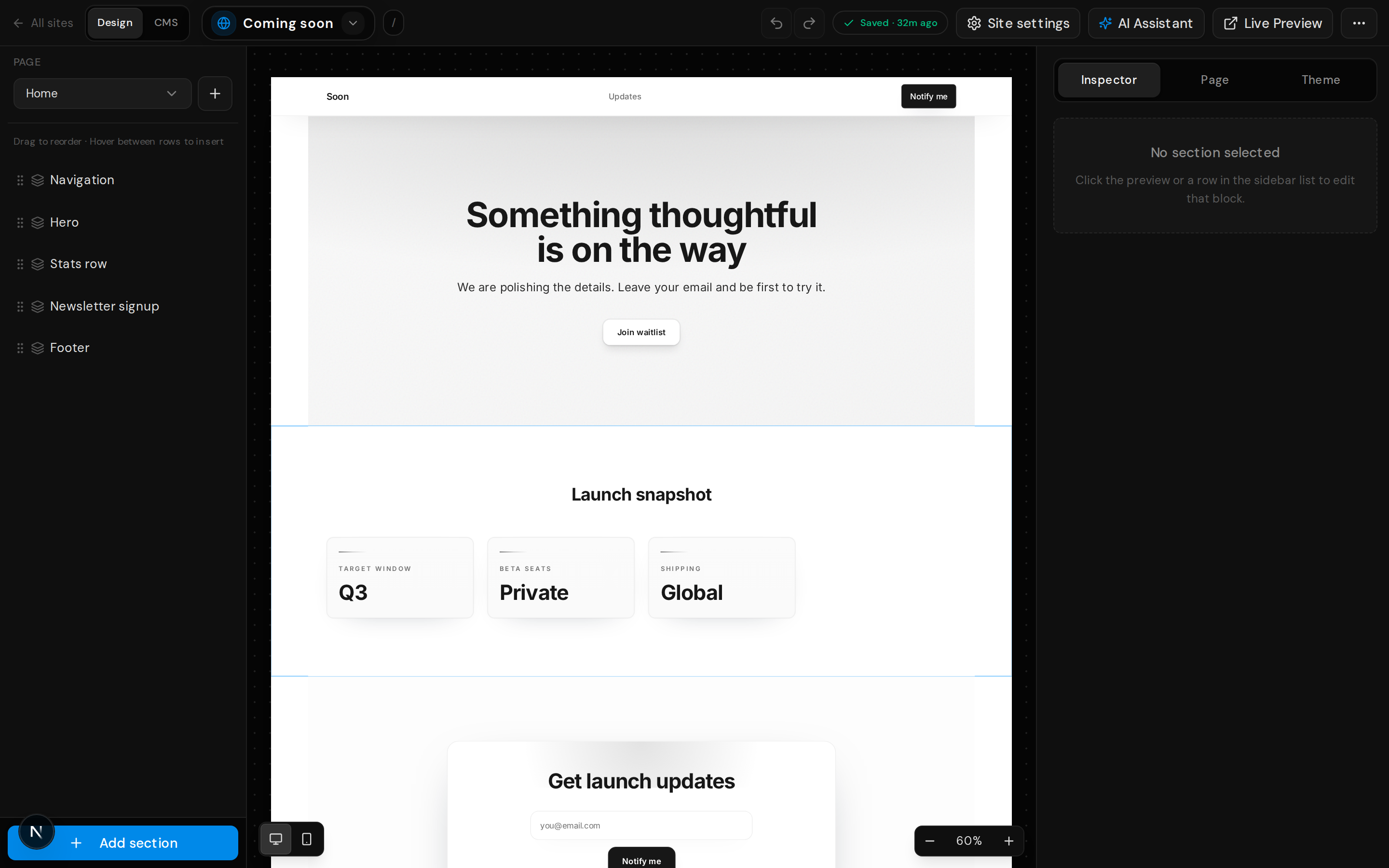
Dynamic pages pair a route pattern with a collection. Index content lives in normal page blocks; detail layouts can include template-only sections that bind to entry fields. The API exposes the same structures under site pages with dynamic metadata.
SEO mapping templates
Per-page SEO for CMS detail URLs can use seoMapping with placeholders such as {{fieldId}} so titles and descriptions track entry data. See the API reference data models for exact fields.
Submissions
Form blocks post to hosted endpoints; submission storage and exports follow your plan. Visitor traffic to POST /api/forms/submit counts toward limits described in pricing.
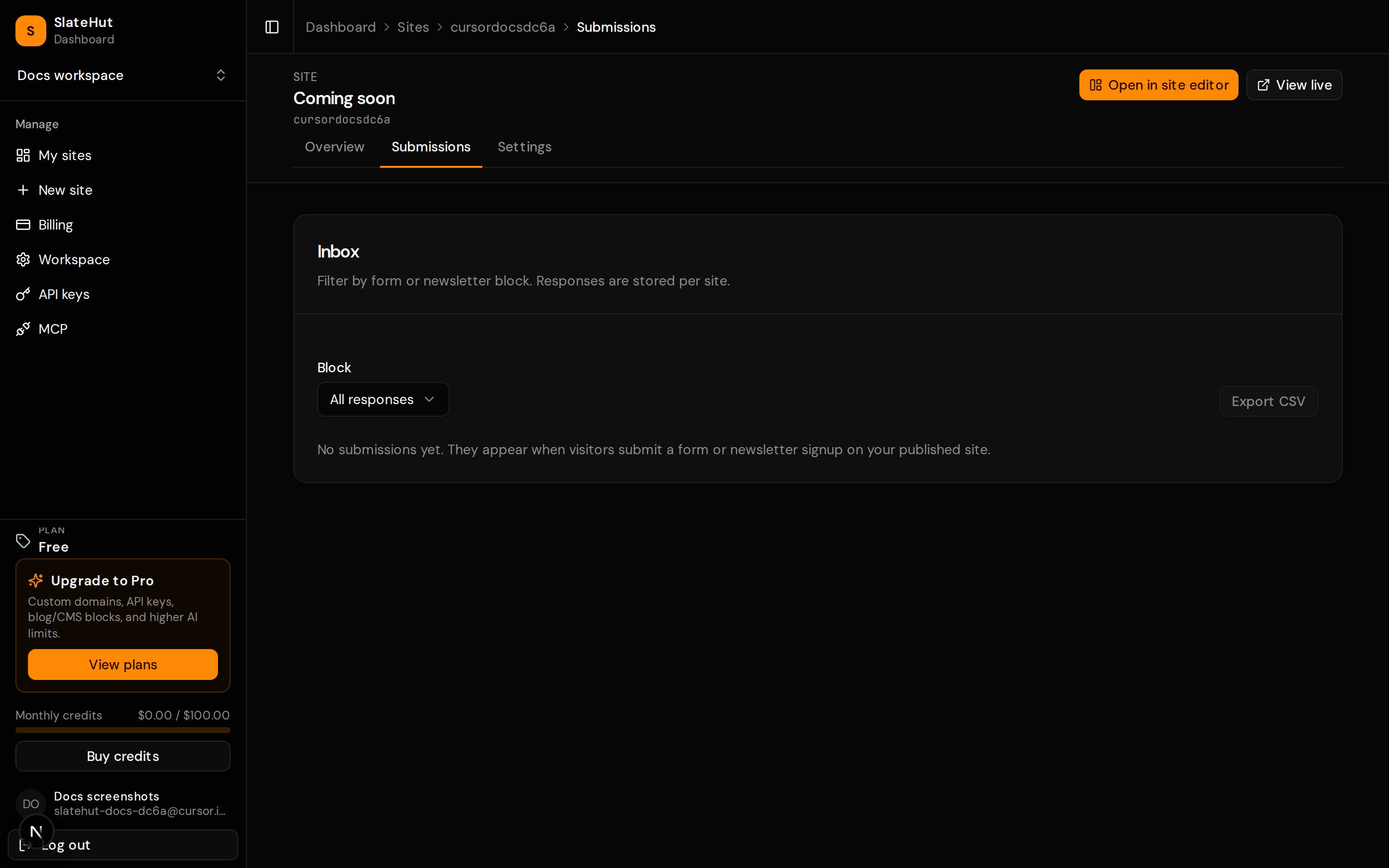
Site hub
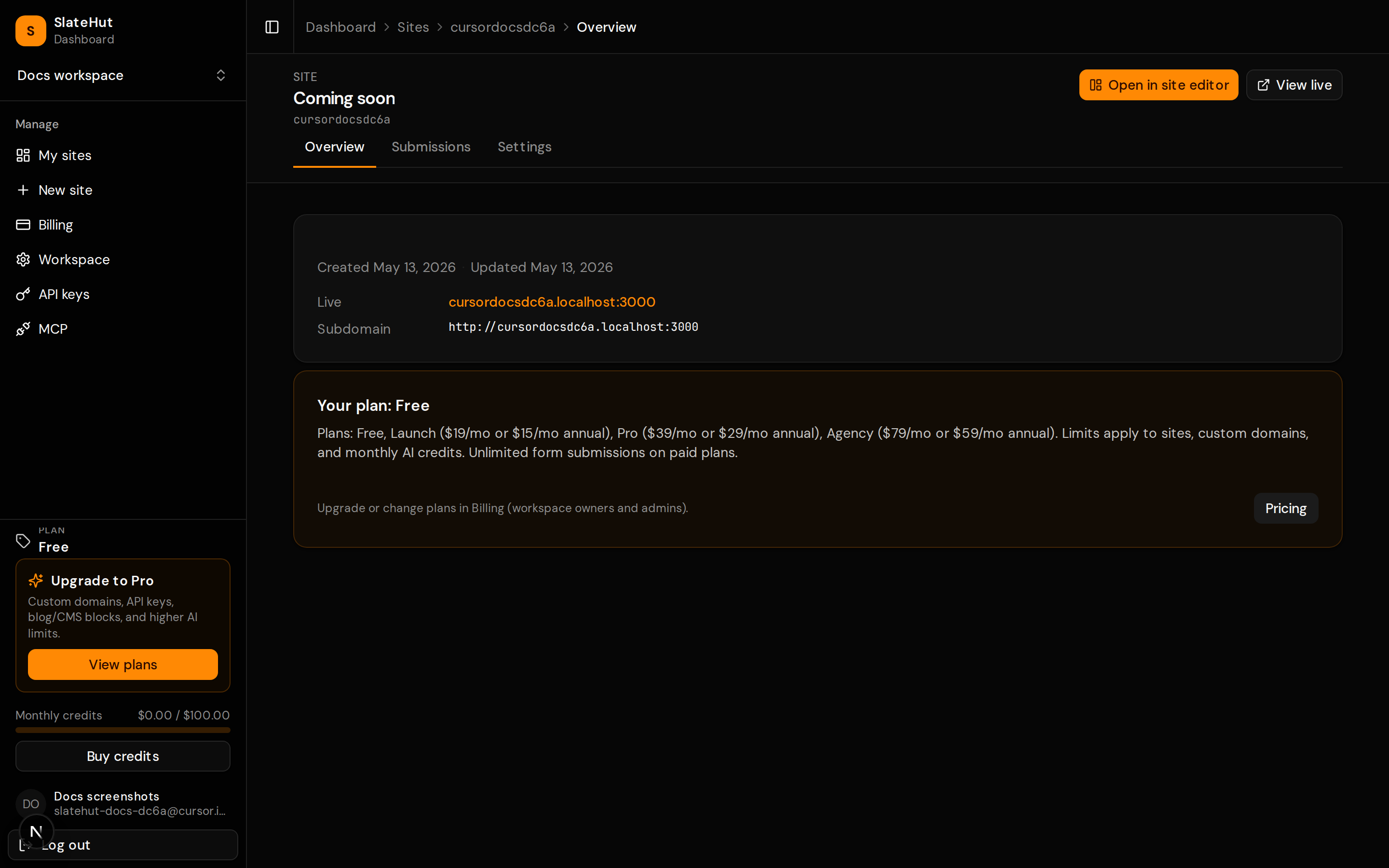
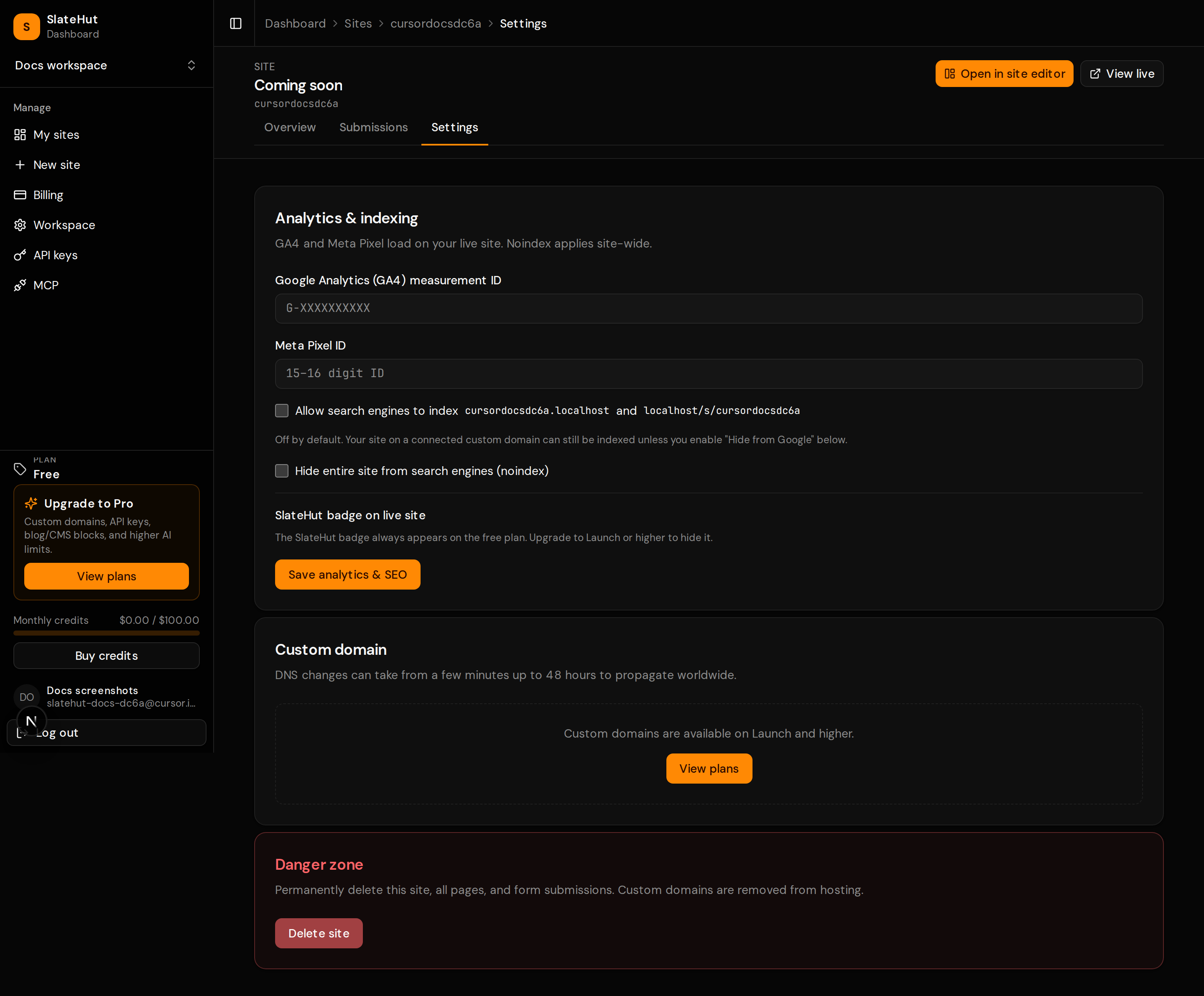
Each site has a dashboard hub for overview, domains, submissions, and content without opening the visual editor.