“Great! its very beginner-friendly. maybe more typography and spacing customization would make it even stronger, but overall it’s amazing, very easy and practical platform for building a quick portfolio or landing page”
Your Website in Minutes
Built-in forms
Contact and newsletter submissions land in your dashboard.
CMS collections
Blogs, listings, and detail pages in the same editor.
Custom domains
Connect your domain on paid plans with guided DNS.
AI first draft
Describe your business once and get real pages to edit.
Visual editor
Point, click, and reorder sections—no code required.
Hosting included
Publish on a SlateHut URL with HTTPS from day one.
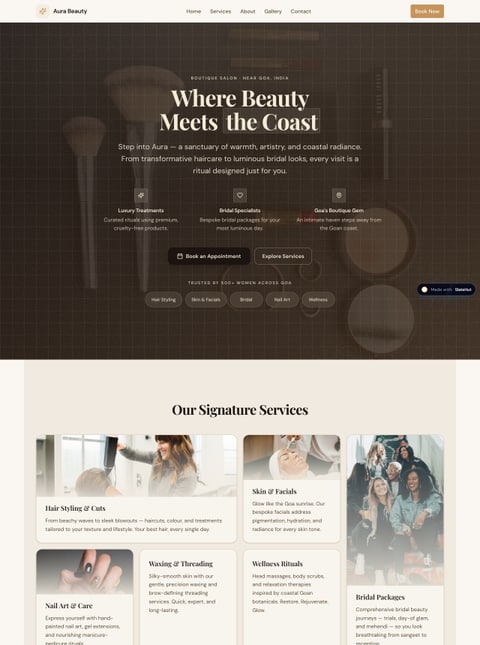
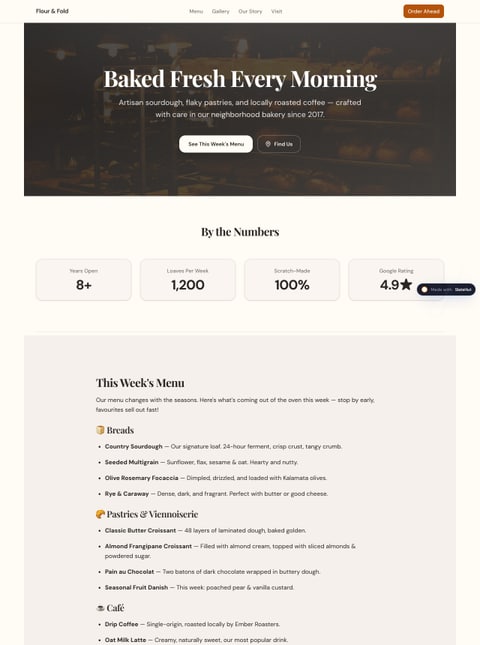
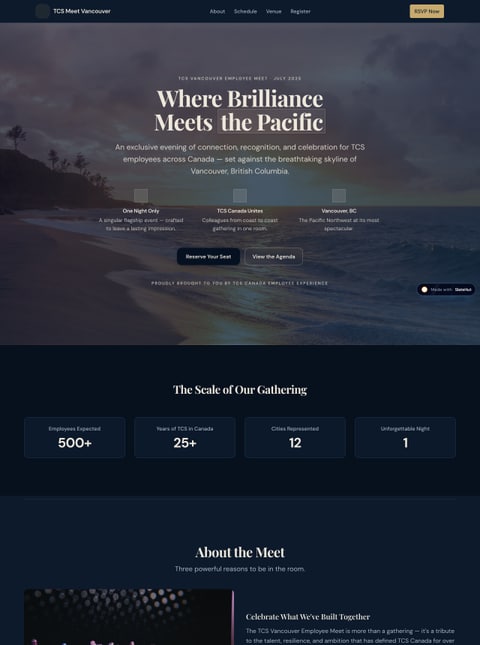
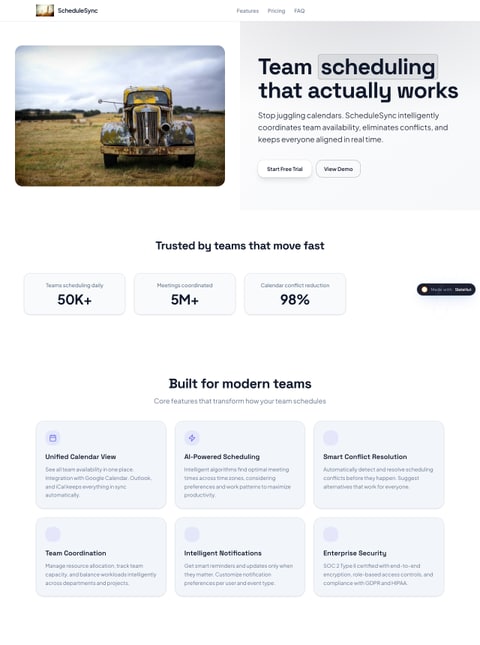
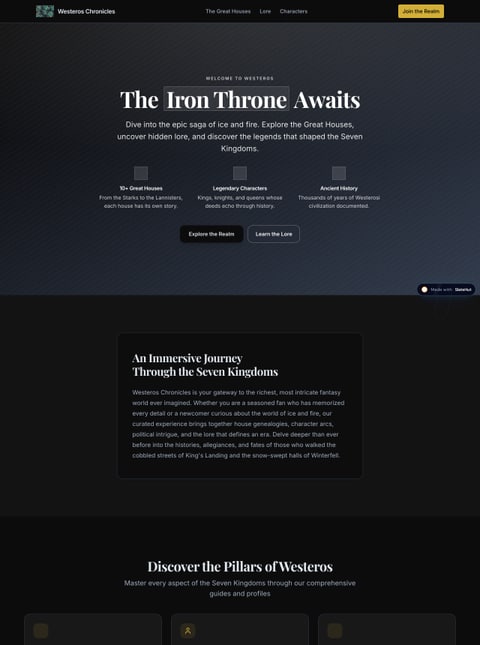
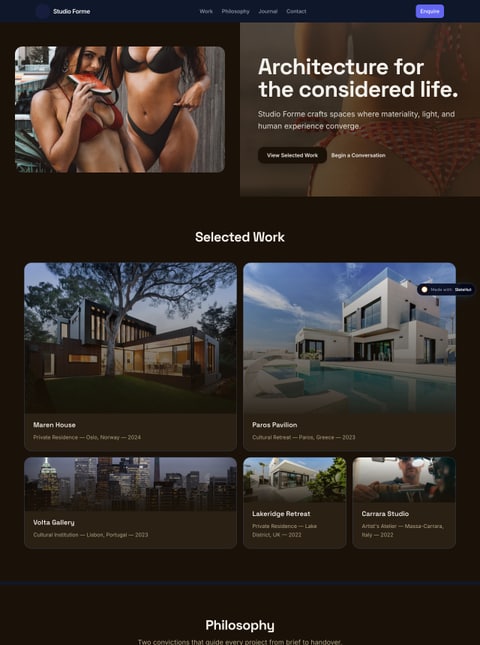
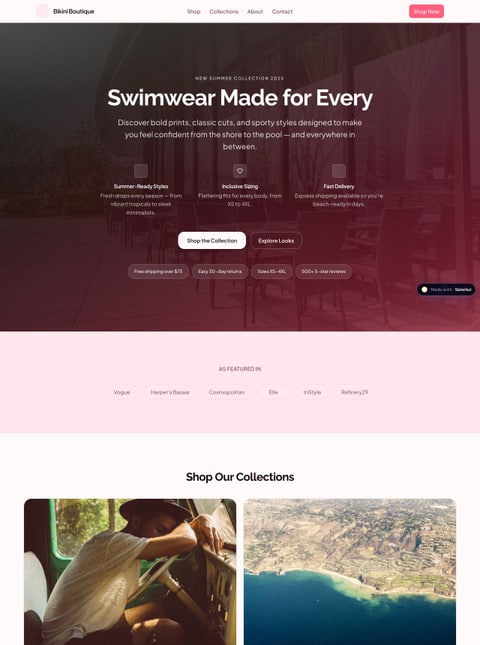
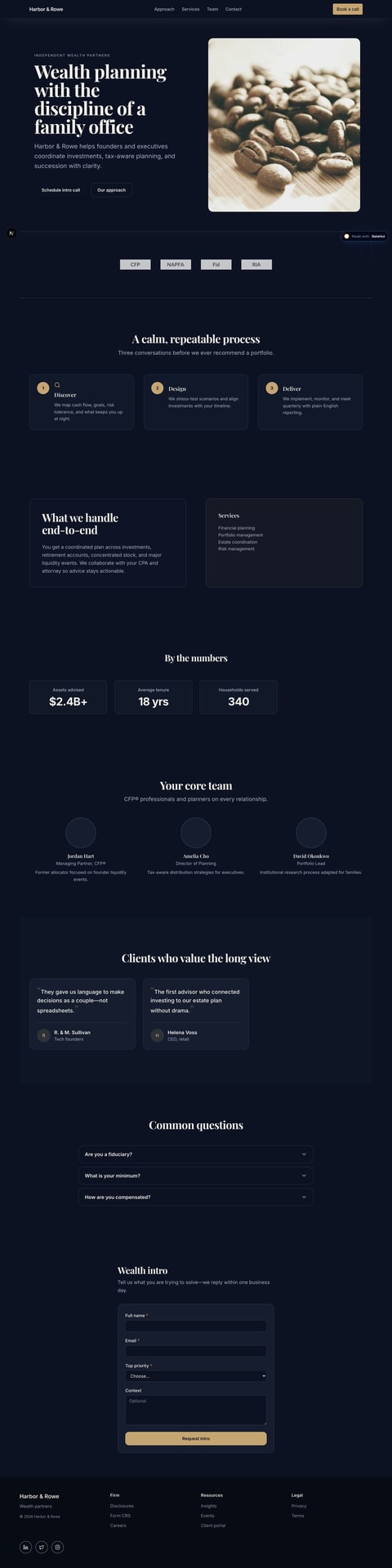
Sites built with SlateHut
View all →“This actually looks cleaner than a lot of "AI website builders" I've tested lately. The biggest thing now is making sure the generated sites don't all end up having the same slightly corporate vibe.”
“Good job, that is a great tool.”
“Your site looks nice. I do see how some non-technical people would find it useful. It is nice to have the possibility to try it for free… All that said, congrats, and keep going; it is hard to be an entrepreneur.”
“Great! its very beginner-friendly. maybe more typography and spacing customization would make it even stronger, but overall it’s amazing, very easy and practical platform for building a quick portfolio or landing page”
“This actually looks cleaner than a lot of "AI website builders" I've tested lately. The biggest thing now is making sure the generated sites don't all end up having the same slightly corporate vibe.”
“Good job, that is a great tool.”
“Your site looks nice. I do see how some non-technical people would find it useful. It is nice to have the possibility to try it for free… All that said, congrats, and keep going; it is hard to be an entrepreneur.”
Why SlateHut for small business
Everything you need to launch and maintain a professional site—without juggling hosting, forms, and a separate CMS.
Get a professional site in minutes
Start from a prompt, then refine copy, images, and layout in a visual editor—no developer handoffs.
Browse the section library →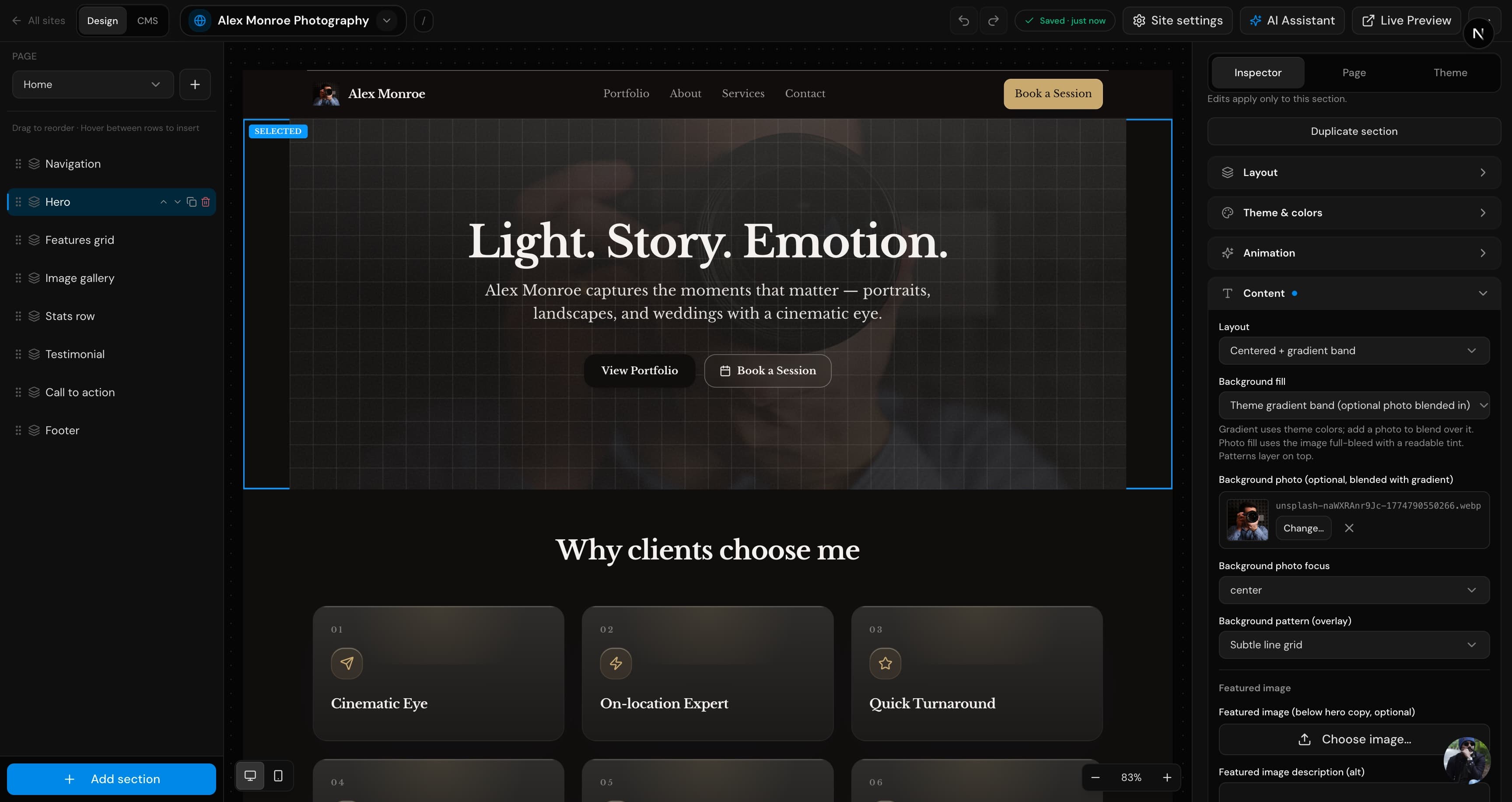
Add a custom domain from your dashboard
Copy DNS records, verify, and publish on your own URL—HTTPS included on paid plans.
Compare plans →No complex code or extra tools to wire up
Hosting, form inbox, and structured content live in one workspace—ship updates yourself instead of waiting on an agency.
Advanced features
Everything to publish and maintain your site in one dashboard.
AI site generation
Turn a short brief into section-based pages you keep editing.
Section library
Heroes, pricing, FAQs, galleries, and more—drop in as needed.
Theme controls
Fonts, colors, and spacing tuned without writing CSS.
Forms inbox
Contact and newsletter submissions stay in your dashboard.
Built-in CMS
Collections for blogs, case studies, and listings.
Custom domains
Connect your domain with guided DNS on paid plans.
SEO-friendly pages
Clean HTML, metadata, and fast static publishing.
Fast hosting
HTTPS included; publish to a SlateHut URL on the free tier.
Media library
Upload and reuse images across pages and collections.
Multi-page sites
Add pages and navigation when your brief needs them.
Form analytics
Track submissions and exports from the same workspace.
API & MCP
REST v1 and MCP for Cursor, Claude, and other AI tools.
Custom code blocks
Embed snippets when you need something beyond the library.
Frequently asked questions
Something else? team@slatehut.com
SlateHut turns a short brief into section-based pages you keep editing in a visual editor—then publish with hosting, forms, and CMS in the same dashboard. It is built for agencies and non-technical founders who need to ship and maintain sites without developer friction.
Yes on paid plans. Add the domain in the editor, copy the DNS records into your registrar or DNS host, and wait for verification. HTTPS is automatic.
To your dashboard under that site. Built-in contact and newsletter forms are included. Paid plans include unlimited submissions.
Yes. One site on slatehut.com, $0.25 included AI credits per month (1 AI generation start), and 10 form submissions per month. No credit card required. You can always edit sites manually in the dashboard even after AI limits. Upgrade for custom domains, REST/ MCP keys, blog/CMS blocks, and higher limits.
Speed and simplicity. You start from a generated site tailored to your description instead of an empty canvas or theme maze. SlateHut is section-based, if our library fits your needs, you ship much faster with less maintenance.
Yes. REST API v1 covers generation, pages, sections, structured content, media, domains, and form data. Create API keys in the dashboard on Launch+ and use the OpenAPI spec to integrate. For AI assistants Cursor, ChatGPT, Claude, and others, we also expose MCP at
/api/mcp. See the MCP documentation to connect Cursor, ChatGPT, Claude, and other clients.Idea to website in seconds
Join founders and agencies shipping section-based sites without developer handoffs.
Get started