Guides
Home / Documentation / Overview
Documentation
SlateHut is a hosted site builder with a dashboard editor and a versioned REST API. This page explains how the pieces fit together; the separate API reference lists every route, schema, and example.
Welcome
Most teams start in the product: pick a template, edit sections, connect a domain, and collect form responses in one place. When you are ready to automate, or to drive the same data from scripts, CI, or an assistant, you use the API on the same host as your marketing site.
There is no parallel "integration schema": the JSON you read and write through the API matches what the editor saves for a site.
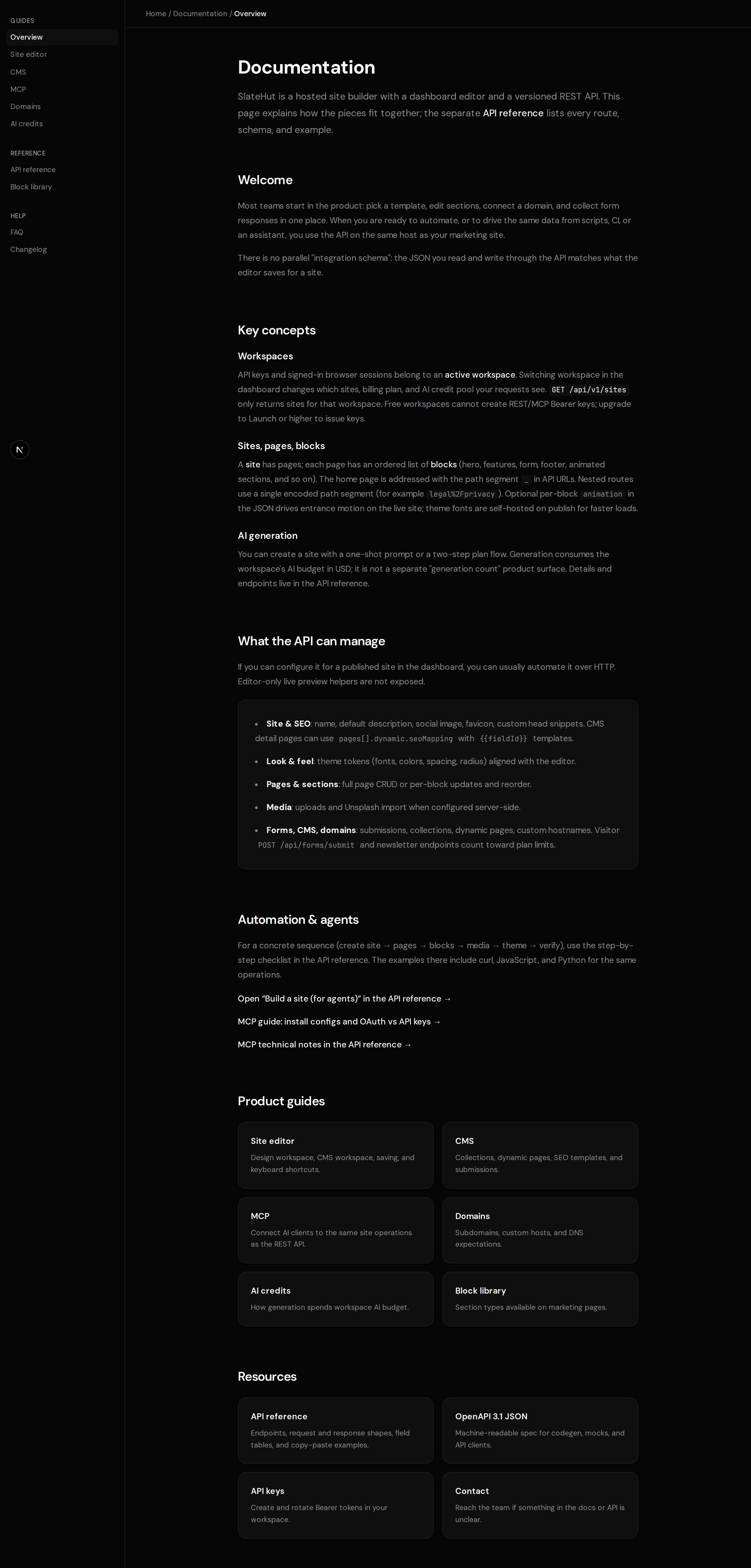
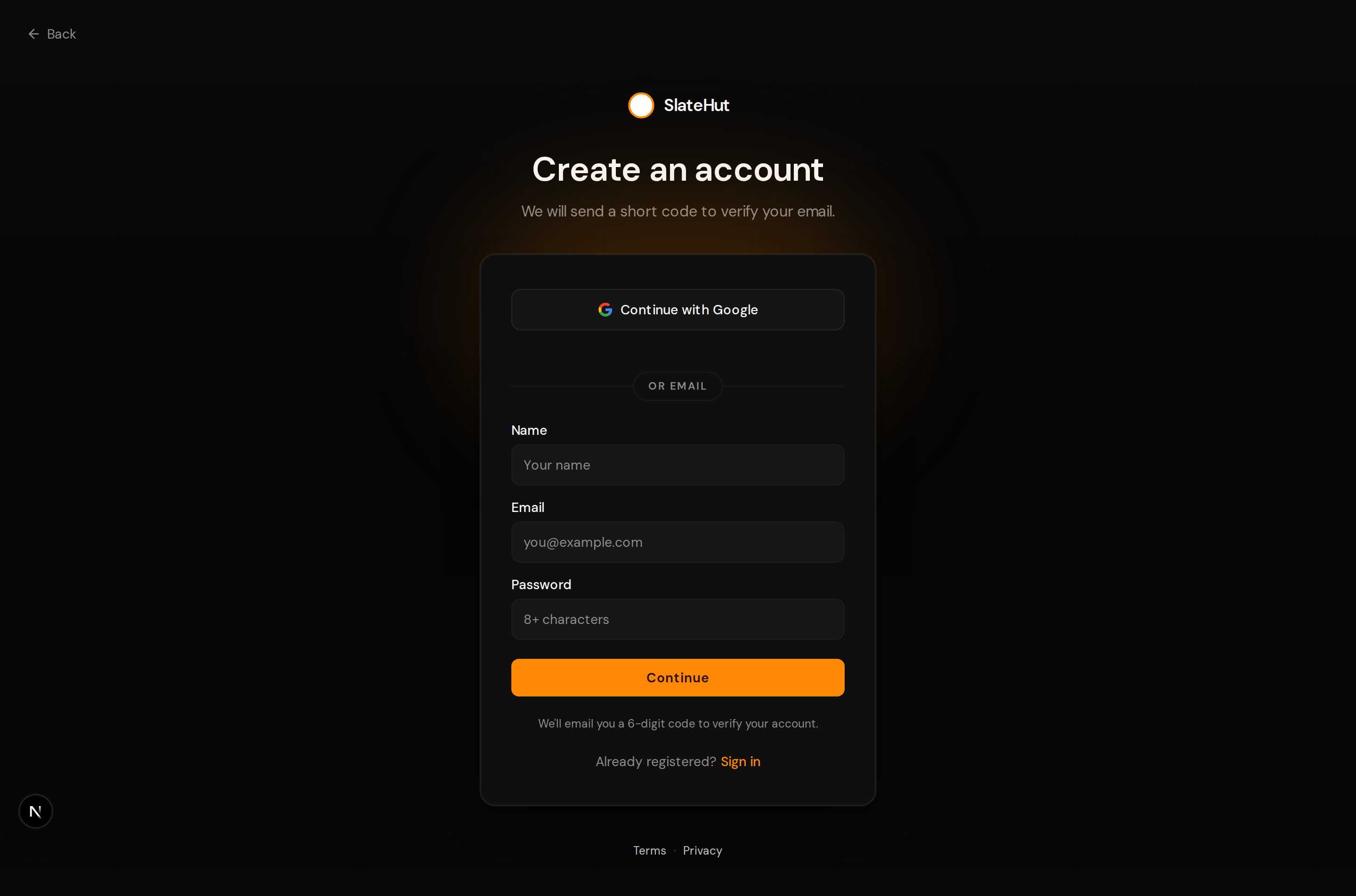
Account access
Sign up with email or Google where configured, verify your inbox when prompted, then sign in to reach the dashboard.
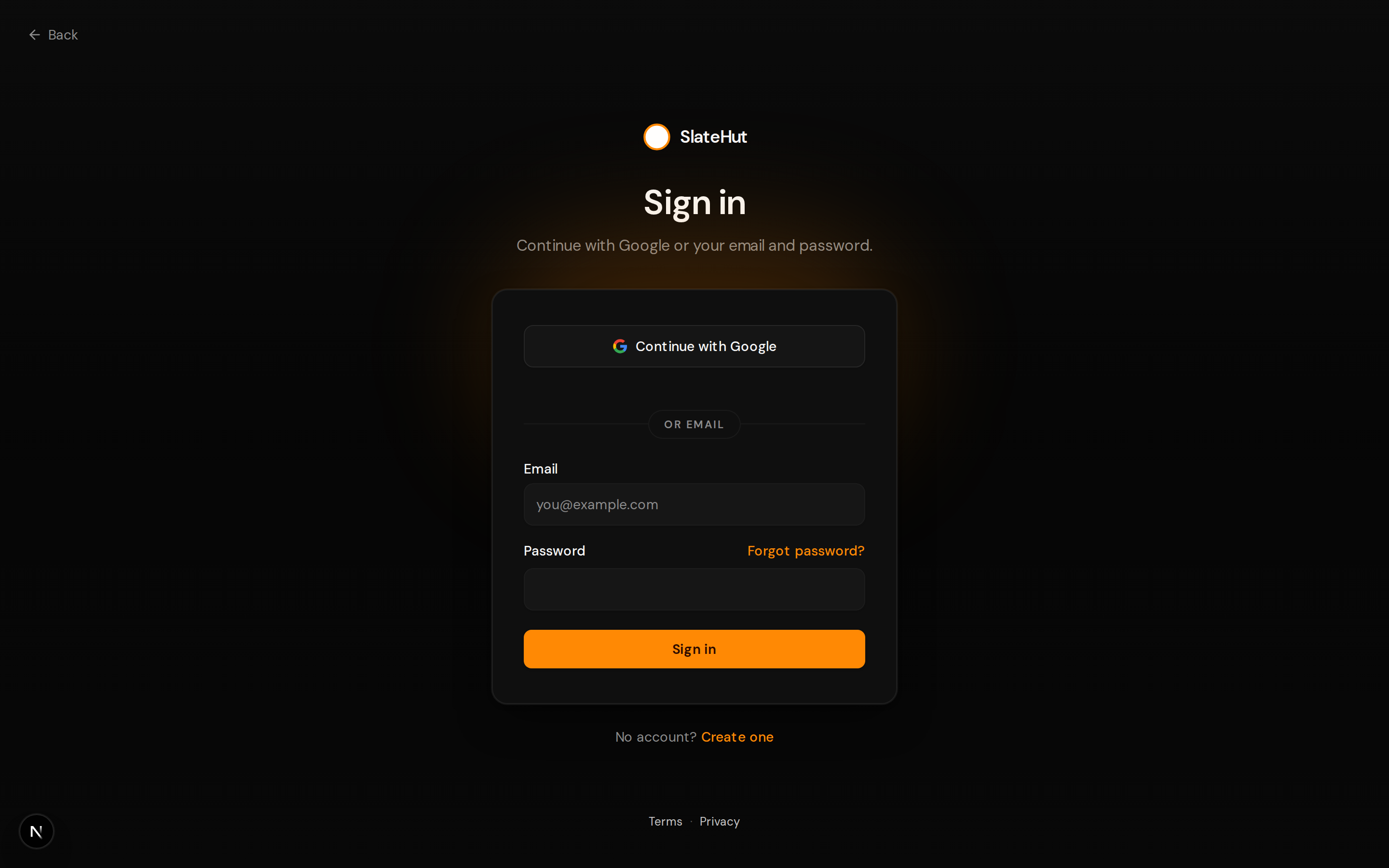
Workspace tools
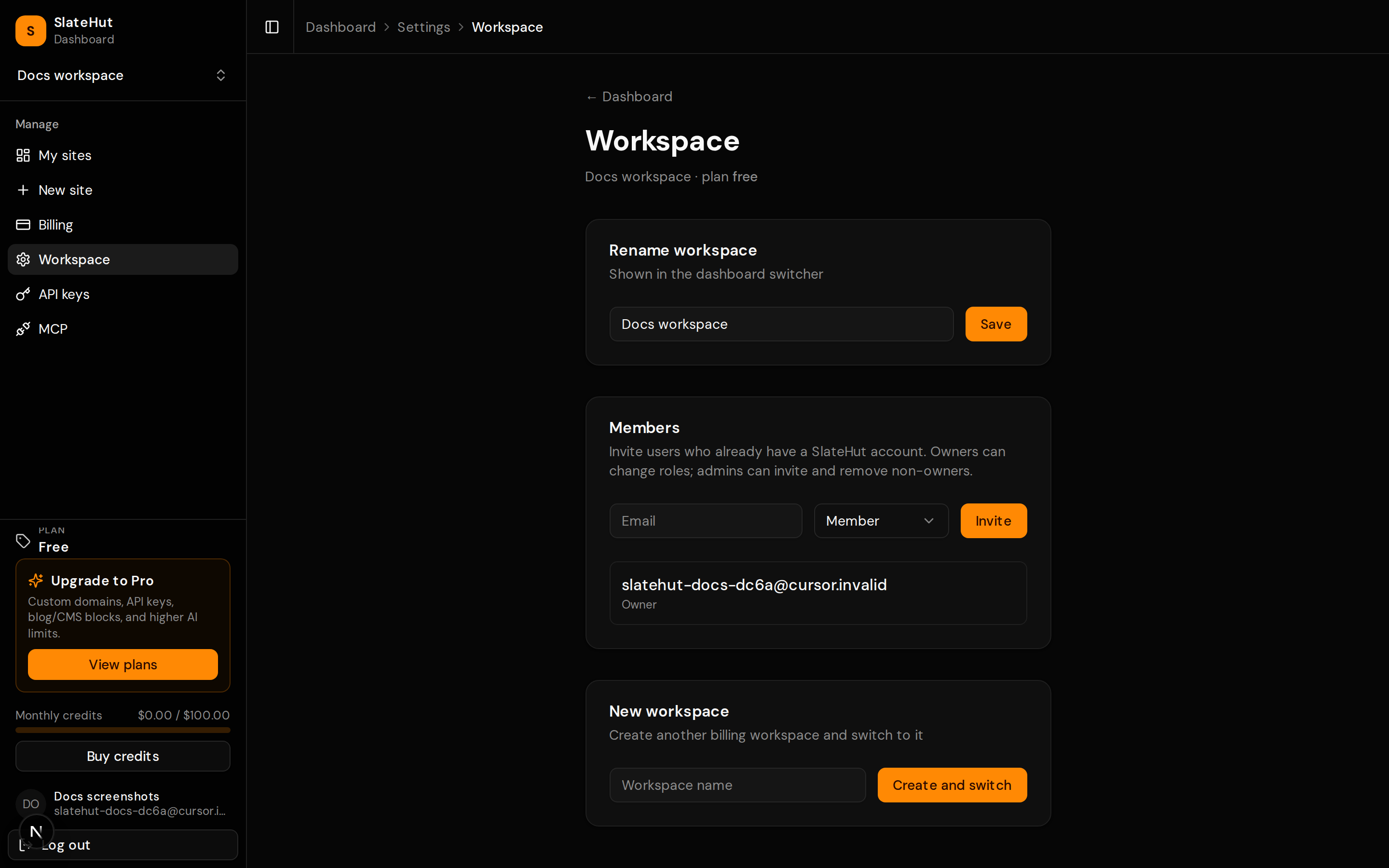
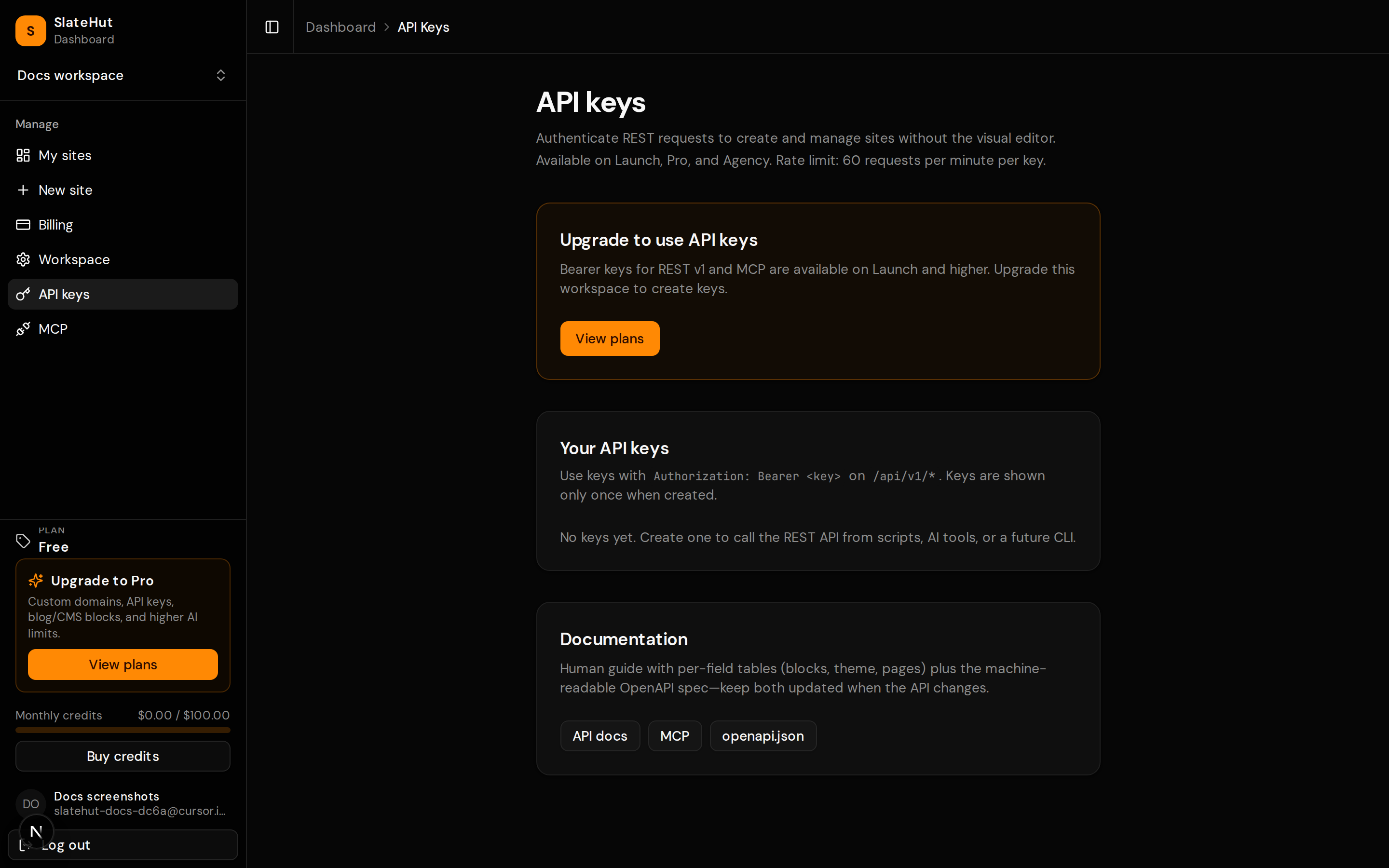
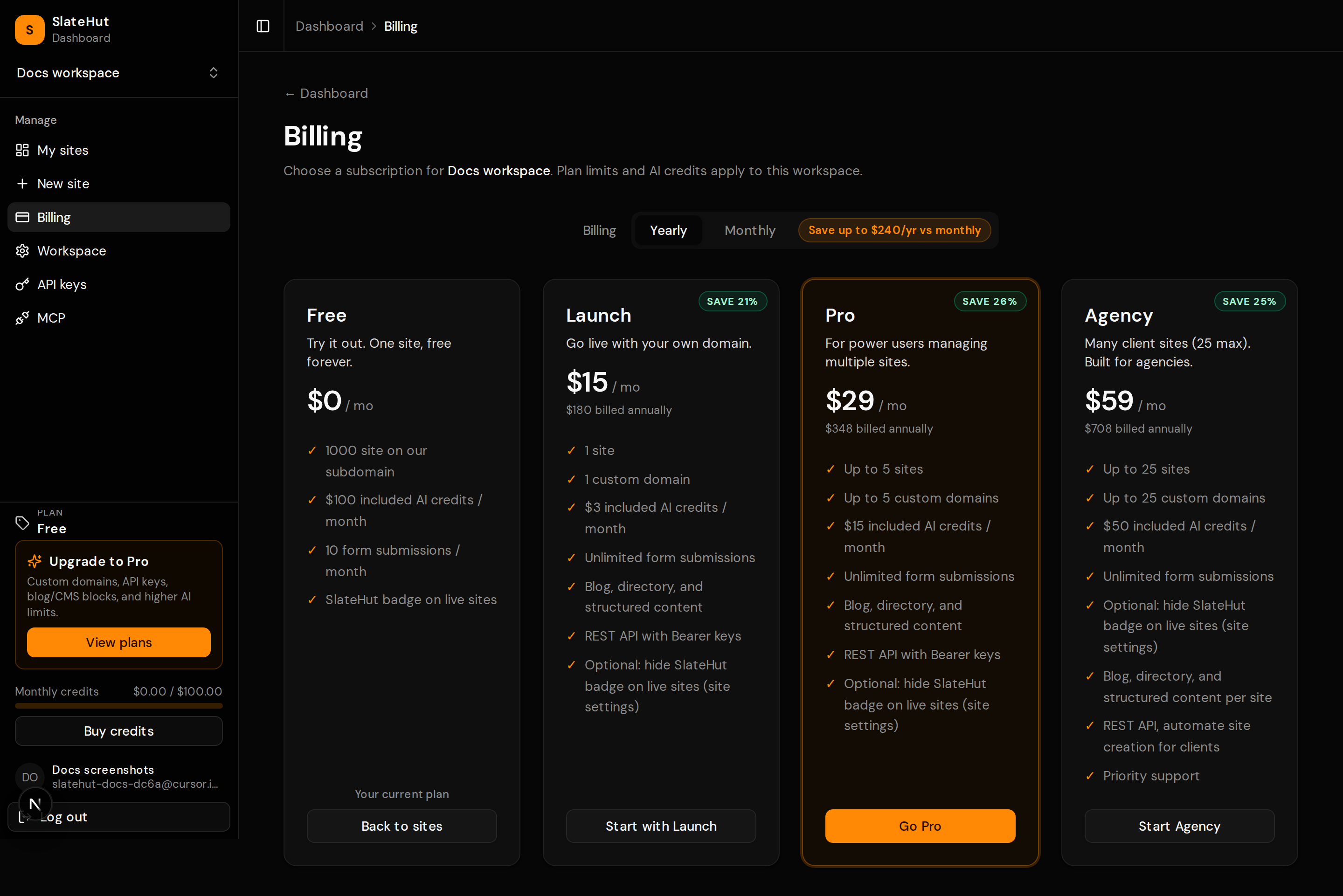
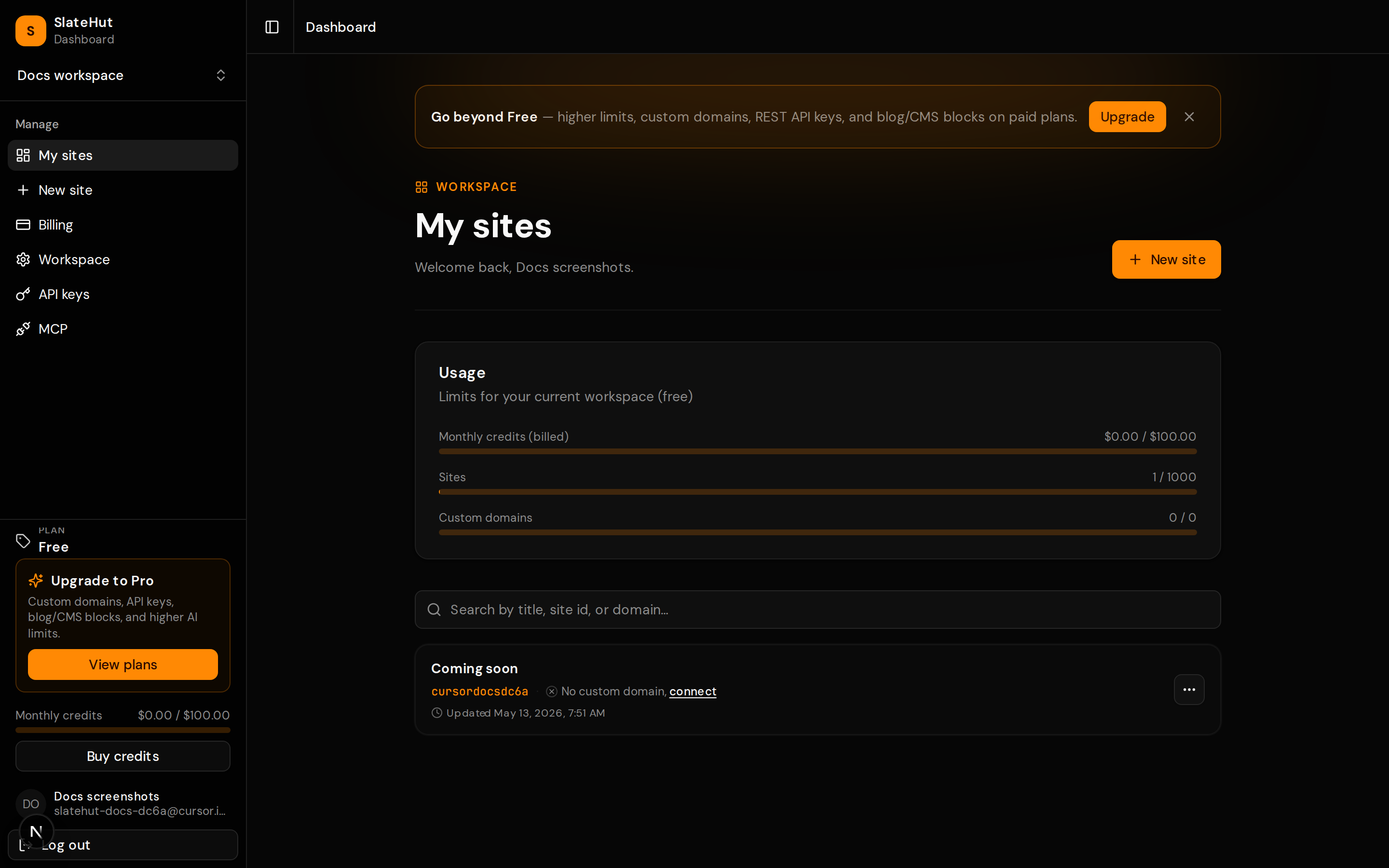
From the dashboard you can spin up a new site, manage API keys on paid plans, adjust the active workspace, review billing, and open the submissions inbox.
Key concepts
Workspaces
API keys and signed-in browser sessions belong to an active workspace. Switching workspace in the dashboard changes which sites, billing plan, and AI credit pool your requests see. GET /api/v1/sites only returns sites for that workspace. Free workspaces cannot create REST/MCP Bearer keys; upgrade to Launch or higher to issue keys.
Sites, pages, blocks
A site has pages; each page has an ordered list of blocks (hero, features, featuresAccordion, pricing with dynamic Monthly/Yearly billing cycles, form, footer, animated sections, and so on). The home page is addressed with the path segment _ in API URLs. Nested routes use a single encoded path segment (for example legal%2Fprivacy). Optional per-block animation in the JSON drives entrance motion on the live site; theme fonts are self-hosted on publish for faster loads.
AI generation
You can create a site with a one-shot prompt or a two-step plan flow. Generation consumes the workspace's AI budget in USD; it is not a separate "generation count" product surface. Details and endpoints live in the API reference.
What the API can manage
If you can configure it for a published site in the dashboard, you can usually automate it over HTTP. Editor-only live preview helpers are not exposed.
- Site & SEO: name, default description, social image, favicon, custom head snippets. CMS detail pages can use
pages[].dynamic.seoMappingwith{{fieldId}}templates. - Look & feel: theme tokens (fonts, colors, spacing, radius) aligned with the editor.
- Pages & sections: full page CRUD or per-block updates and reorder.
- Media: uploads and Unsplash import when configured server-side.
- Forms, CMS, domains: submissions, collections, dynamic pages, custom hostnames. Visitor
POST /api/forms/submitand newsletter endpoints count toward plan limits.
Automation & agents
For a concrete sequence (create site → pages → blocks → media → theme → verify), use the step-by-step checklist in the API reference. The examples there include curl, JavaScript, and Python for the same operations.
Open “Build a site (for agents)” in the API reference →
Product guides
Site editor
Design workspace, CMS workspace, saving, and keyboard shortcuts.
CMS
Collections, dynamic pages, SEO templates, and submissions.
MCP
Connect AI clients to the same site operations as the REST API.
Domains
Subdomains, custom hosts, and DNS expectations.
AI credits
How generation spends workspace AI budget; manual editing when limits are hit.
Block library
Section types available on marketing pages.